
Home > series > Software/Options&Accessories
APS4000 Power Supply System Simulation Software
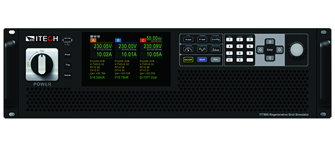
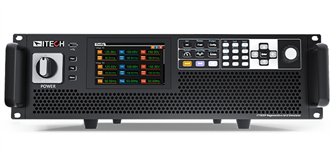
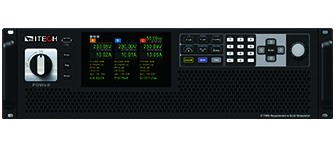
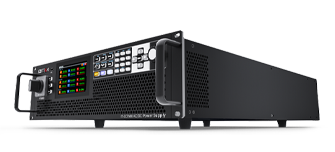
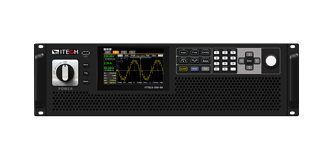
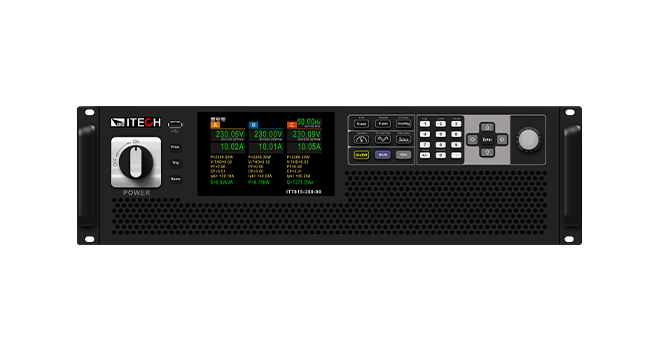
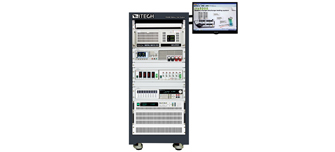
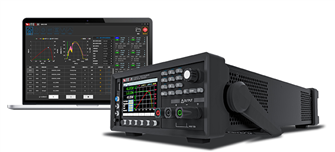
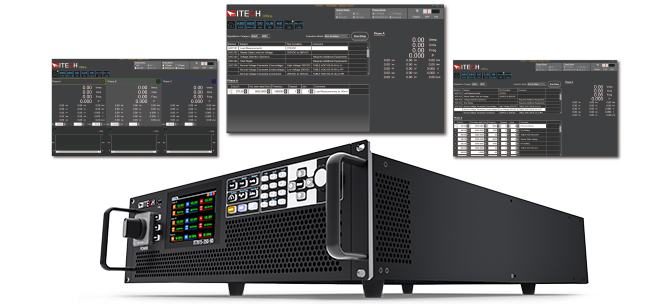
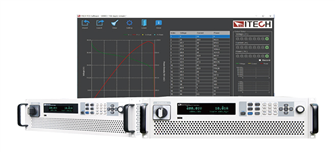
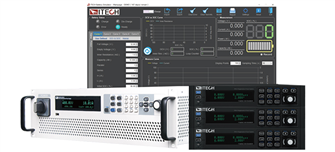
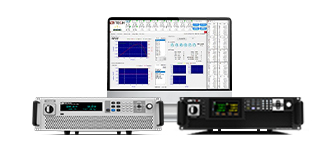
The APS4000 Series Regulatory Software can be paired with ITECH IT7800/IT7800E/IT7900P/IT7900EP series high-performance programmable AC/DC power supplies to provide power output ranging from 5kVA to 960kVA and frequencies from 16Hz to 2400Hz. The software includes mainstream power supply characteristic standards such as STD-704, DO160, A350, A380, GJB181B, HB20326, and STD-1399, realistically simulating various AC and DC power supply systems. These include DC 270Vdc, 28Vdc, single-phase AC 115V/400Hz, three-phase AC 115V/400Hz, and a wide frequency range of 360Hz-800Hz. The APS4000 Series software includes four models to meet different testing scenarios: APS4000-ASTD, APS4000-B787&AMD, APS4000-AVALL, and APS4000-1399. The software provides a user-friendly interface to help engineers quickly select test conditions and complete testing.
Find a product
Model
Voltage
Current
Power
Resolution
Accuracy
Interface
Size
No Records
Show all
* The above specifications are subject to change without prior notice.
Product Features
APS4000 software is primarily used for power supply adaptability testing of electrical equipment
Built-in mainstream industry standard waveforms for quick access—no programming background required
APS4000-ASTD model includes standards such as STD-704, DO160, ABD0100.1.8, ABD0100.1.8.1, GJB181B, and HB20326
APS4000-B787&AMD model includes standards such as B787 and AMD24C
APS4000-AVALL model covers all standards included in APS4000-ASTD and APS4000-B787&AMD
APS4000-1399 model includes the STD-1399 industry standard
Supports simulation of various power supply outputs: single/three-phase constant frequency, single/three-phase wide frequency, low-voltage DC, and high-voltage DC
Simulates normal and abnormal power supply characteristics with built-in test sequences for quick access
Generates test reports
Functions and Advantages

Application

APS4000 Power Supply System Simulation Software is widely used in electrical equipment testing, such as lighting systems, communication systems, and entertainment systems.


Built-in standards for fast recall

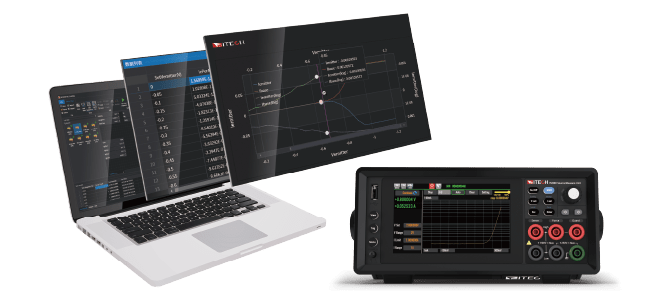
The APS4000 series features a user-friendly and straightforward software interface design, which greatly accelerates the testing process for electrical equipment. Once the software is successfully installed on your computer, you can complete the test with just a few simple steps.
1.Select the applicable standard, such as STD-704.
2.Choose the version of the test standard, such as STD-704 RevF or RevE, etc.
3.Select the correct operating mode, DC or AC.
4.Select test serial number, such as HD101,HD102...
5.Select running mode: Run all steps/ Run single step/Loop single step.
6.Click and start the test.

Options & Accessories
    No Records
Database
Related Products
Relevant Solutions
Drag View 360 View
Click toggle to view 360
Related technical articles
User's Manual
Product catalog
***Item is required. Please submit the information after completion.
Thank you!
Your inquiry request to ITECH has been submitted successfully.

No Records

More information Product / Solutions

www.itechate.com

Please check the privacy policy

ITECH website uses cookies to improve the website and user experience. By clicking “Accept ”all Cookies, you agree to the storing of cookies on your device to enhance site navigation, analyze site usage, and assist in our marketing efforts. For the latest and more related information, please refer to the Privacy Statement .
About cookie
Cookies will be used to track which website is being visited. On our website, we certify the information that can be accessed by visitors using cookies. We also track viewed information by users to understand your interest and provide you with a better content. You will be able to disable cookie itself, you may choose the way to use personal identification whenever you use service that requires authentication.
Strictly Necessary Cookies
Strictly Necessary Cookie should be enabled at all times so that we can save your preferences for cookie settings.
DisabledEnabled
If you disable this cookie, we will not be able to save your preferences. This means that every time you visit this website you will need to enable or disable cookies again.